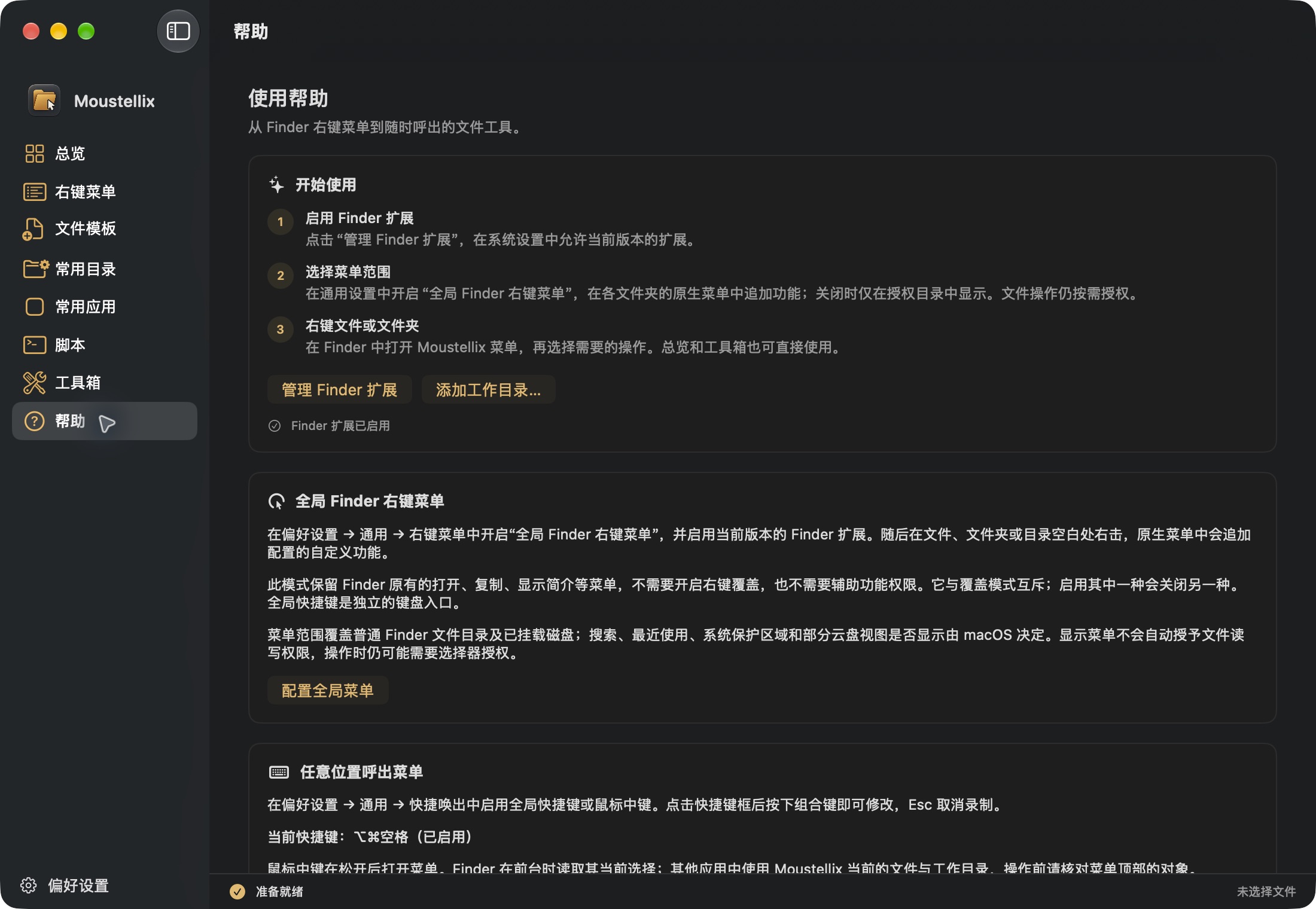
Finder context menu
Open everyday actions on files, folders and empty space.
From the Finder context menu to file templates, batch renaming and image tools. Keep everyday file actions close at hand.
For macOS 14 and later.

Keep the Finder you know. Add the actions you use.
Open everyday actions on files, folders and empty space.
Use built-in templates or import your own.
Rename, convert images, compress and encrypt archives.
Save locally, with an optional sync folder of your choice.